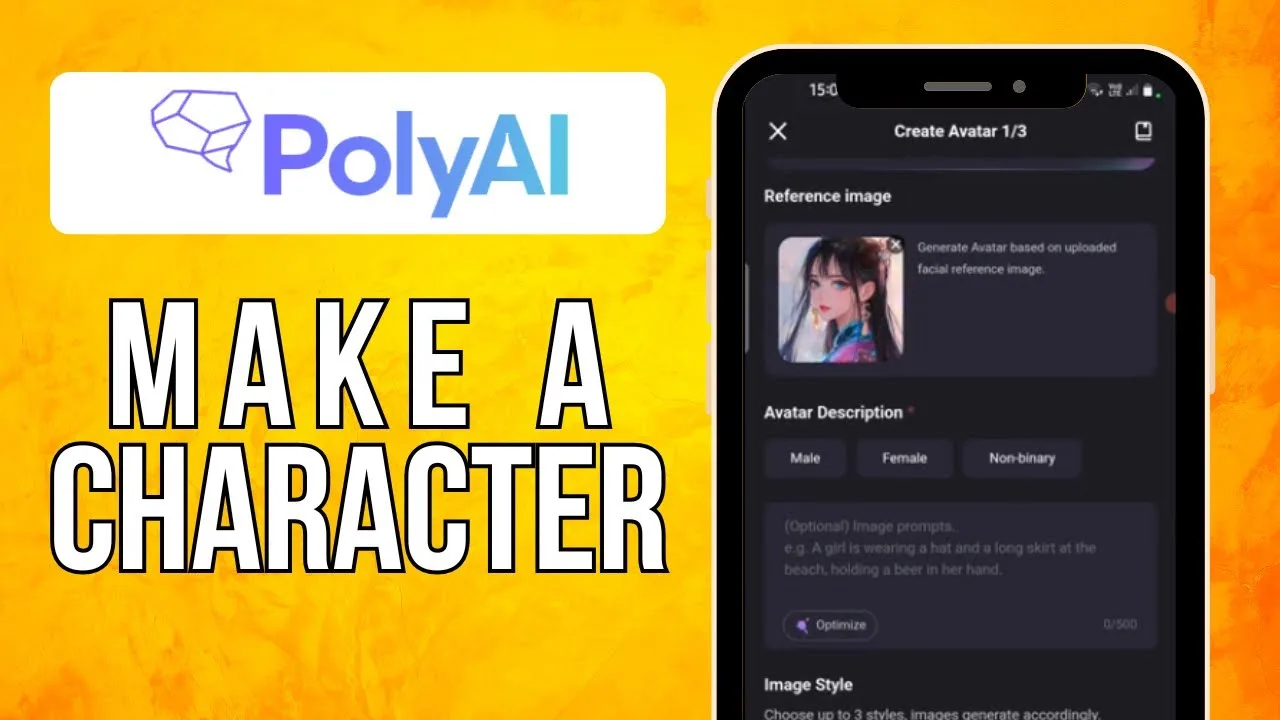
How to Update Poly AI to the Latest Version
Character platforms improve in waves: better conversation models, steadier voice, richer character tools, and fixes for the quirks every regular user collects. Those improvements arrive by update, and keeping Poly AI character chat current is how they reach your characters. This guide covers updating in place so your account, characters, and chat history survive untouched, plus verifying the new build and clearing the small problems Android can interpose.
Note your installed version before starting, and be sure you know your sign-in. Most update-day distress is actually sign-in distress wearing a costume, and two minutes of preparation prevents all of it.
Update on a stable connection. The file is not enormous, but an interrupted update creates symptoms that impersonate app faults, and impersonators waste evenings.
Check the Version You Are Running
Find the version in Android Settings under Apps, or in the app's settings area, and write it down with the date. After the update, the same figure proves the new build landed rather than downloaded and waited politely.
If odd chat behaviour brought you here, record the symptom beside the version. The fault order in Poly AI not working: common problems and fixes begins by separating old builds from all other causes.
Update in Place
Install the new build over the old one, following the same path as the original setup in how to install Poly AI on Android. Android replaces the program while preserving its data, and your account holds your characters and history beyond the build entirely.
Do not uninstall first in search of a clean start. On an account-based chat platform, a clean start mostly spends your sign-in state and setup to buy nothing an in-place update lacks.
Verify With a Familiar Character
Open a long-running conversation and talk for a few exchanges. Familiar ground exposes change honestly: your character's voice should feel continuous, your persona intact, your recent history where you left it.
If the character feels subtly sharper or steadier, that is the model-side improvement riding in with the build — the update working, not a stranger borrowing your character's face.
Voice and Settings After the Update
If you use voice chat, place one short voice call after updating and confirm the microphone permission and audio routing behave as before. Major updates occasionally re-ask permissions, and discovering that mid-conversation is a small, avoidable awkwardness.
Glance at your notification and download preferences at the same visit. Settings survive in-place updates by design, and the glance costs thirty seconds to prove it.
When the Update Stalls or Fails
Storage is the usual suspect: updates need temporary room, and a phone full of downloads denies it silently. Clear caches, remove old downloads, restart, and retry on stable Wi-Fi.
If the source itself is having a bad hour, wait it out. Your current build keeps working meanwhile, and a delayed update costs far less than a corrupted install and the troubleshooting that follows it.
Sign-In Problems After Updating
Being signed out by an update is an inconvenience, not a loss: characters and chats live with the account. Sign back in with the original account and method, and your world reassembles exactly as left.
If sign-in loops, clear the app cache before escalating. Stale session files are the classic post-update haunting, and the cache is where they live.
Make It a Monthly Habit
Check once a month, verify with one familiar conversation, note the new version. The routine is five minutes and converts updating from an event into maintenance, which is what it should have been all along.
Keep the version notes. When a problem surfaces weeks later, 'what changed' is the first diagnostic question, and your note answers it before the guessing starts.
Update in place, sign in calmly, test with a character you know. Everything you value survives by design, because it was never stored in the build you replaced.
The platform's models will keep improving. Your only task is letting them arrive on a schedule that suits your connection and your patience.
One more courtesy belongs in the routine: when a significant update lands, spend one session re-meeting your most-used character before any long-planned scene depends on them. Small changes in voice or memory behaviour are best discovered in a low-stakes chat, where they read as novelty instead of sabotage.
There is a quieter benefit to the monthly rhythm: it keeps you in step with the platform's evolution. Users who update in step experience improvements as a rising line; users who leap across five versions experience them as a discontinuity, and blame the tool for what is actually distance. Travel with the product, and it will feel as though it improves for you personally — because in the only sense that matters, it does.
If a spare phone or household tablet also runs the app, include it in the same round. Reserves that sleep for months wake with ancient builds and confused sessions, and ten quiet minutes keeps the whole fleet — reserves included — ready for the evening it is actually called upon, without a troubleshooting session attached to its name.
Boring maintenance, faithfully kept, is what exciting evenings are built on. Let the stories have the drama; the updates should never need any of it, at any point, on any evening, under any circumstances, ever.